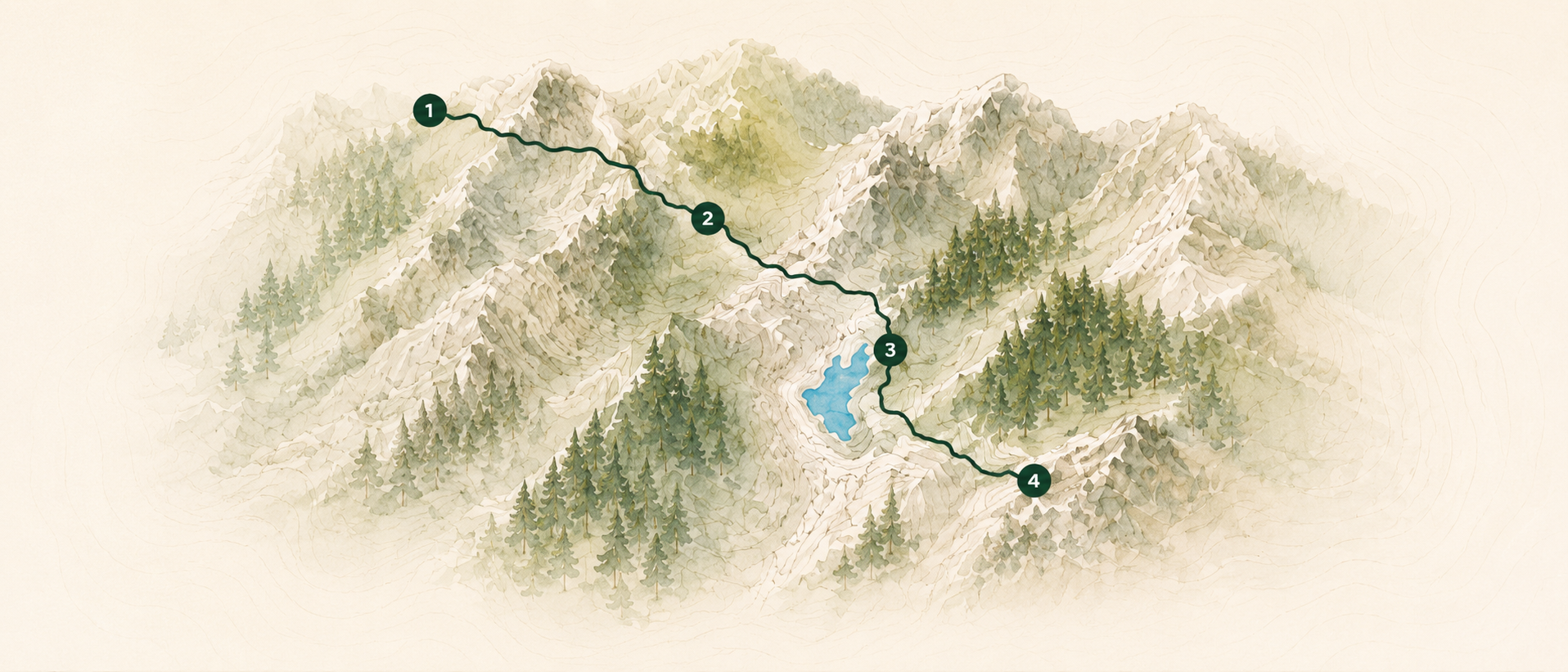
1
Find a place
Search the map or pan to the area you want to explore.
Obriy turns map taps into saved hiking routes you can edit, track, download for offline use, import, export, and sync. The questions below cover the full workflow.
Search the map or pan to the area you want to explore.
Tap to add waypoints and shape your route.
Check distance, elevation, and route details.
Save for later, download for offline, export, or share with friends.
Open the map, tap the + button, and choose route planning. Obriy switches from exploring the map to placing waypoints for a new route.
Tap to place waypoints, drag an existing waypoint to a better spot, or insert a waypoint on a route segment when the line needs adjustment.
Yes. After the second waypoint, Obriy routes between consecutive points with path-aware walking directions and draws the route line on the map.
Use undo and redo while drawing. You can step backward through waypoint placements without throwing away the whole route.
Create, save, and take your routes anywhere with you.